Med Spa EMR: Choosing Software That Actually Works for an Aesthetic Practice
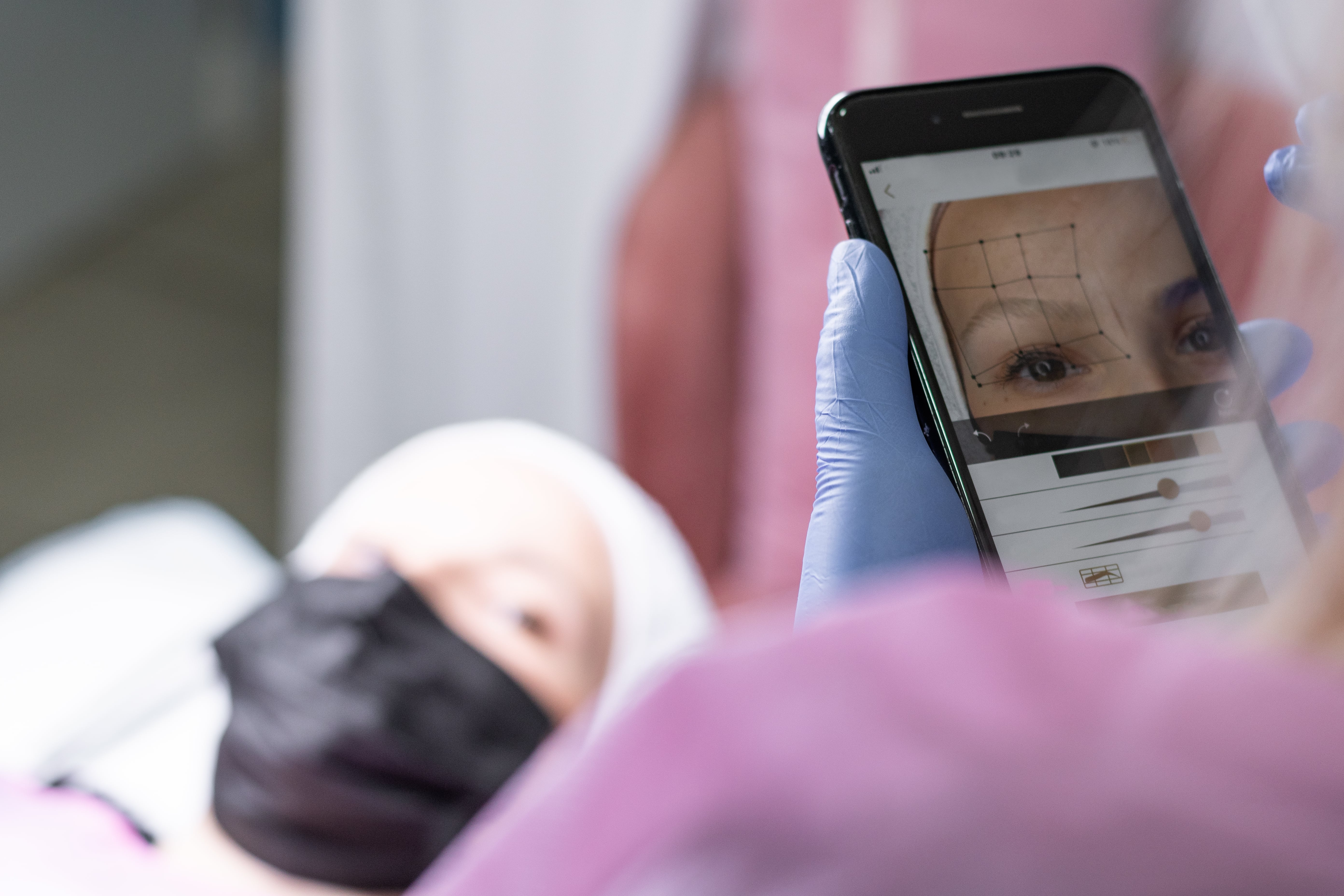
Shopping for a Med Spa EMR can get confusing pretty quickly.
Nearly every system will tell you it has scheduling. Most have electronic forms. You’ll see patient portals, reminders, payments, reports, templates and, increasingly, some type of AI.
On a comparison sheet, they can start to look remarkably similar.
The differences usually don’t become obvious until you try to run an actual patient through the system.
Say someone books a Botox appointment online for Tuesday afternoon. Before the appointment, she fills out her medical history and signs the appropriate forms. When she arrives, the provider reviews her chart, takes photos, documents the areas being treated and records what was injected. The product used during the visit affects inventory. The patient pays at checkout and books a follow-up before leaving.
How many different systems did your staff just touch?
That’s a question worth asking when choosing a Med Spa EMR.
Med Spa EMR should make the patient’s clinical record and the operations surrounding that care feel like one seamless workflow—connecting scheduling, charting, digital forms, before-and-after photography, memberships, packages, inventory, payments, and patient communication.
A Med Spa Doesn’t Operate Like a Typical Medical Office
There’s plenty of overlap between a medical spa and a traditional medical practice. Both need patient records, scheduling, documentation and appropriate safeguards for health information.
But spend a day inside a busy med spa and the differences become pretty obvious.
A patient might come in for neurotoxin injections while the next appointment is an IV infusion. Another patient is there for a weight-management follow-up. Someone else needs a laser treatment that requires a particular room and device. Meanwhile, the front desk is selling skincare products, checking membership benefits and answering texts from tomorrow’s patients.
That mix of clinical care and day-to-day business operations is what makes med spa software challenging.
An EMR can be excellent at storing medical records and still be awkward for an aesthetic practice.
The Problem Usually Isn’t a Missing Feature
One thing we’ve learned from talking with practices is that having a feature and having a usable workflow are two very different things.
A system may technically support photographs, for example. But where are those photographs when the patient comes back six months later? Can the provider pull up the previous treatment and compare images without leaving the chart?
The same applies to inventory. It’s easy for software to have an inventory screen. It’s much more useful when inventory connects to what actually happened during the appointment.
That’s why we think practices should spend less time asking, “Does it have this feature?” and more time asking, “What happens after I use it?”
Start With Your Most Common Appointment
Before sitting through an EMR demo, pick the appointment your practice performs all the time. Let’s use an injectable appointment as an example. Walk through it from beginning to end:
- Booking: How does the patient book online or in-clinic?
- Forms: Can the patient complete the required forms beforehand?
- Chart & Photos: When the provider opens the chart, can they quickly see previous treatments and photographs?
- Documentation: How is today’s treatment documented?
- Product Log: Can you record the product used and any information your practice needs to retain with it?
- Inventory: What happens to real-time inventory counts?
- Checkout: How does checkout and payment processing work?
- Packages & Memberships: If the patient has a package or membership, can the staff see and use it without opening another application?
- Follow-Up: What happens when the patient needs a follow-up appointment?
If the demonstration starts requiring workarounds for a routine visit, that’s useful information.
Scheduling Gets Complicated Faster Than You Think
A calendar seems like one of the simplest parts of an EMR. Then you start adding real-world rules.
A particular service can only be performed by certain providers. Another treatment requires a room. A laser appointment needs both a qualified provider and a particular device. One provider may work at more than one location. Another may offer telehealth for certain visits but not others.
Now add online self-booking. The booking system has to understand enough of those rules to avoid offering an appointment the practice can’t actually perform.
So when you’re comparing systems, don’t spend too much time looking at how pretty the calendar is. Try to break it. Give the salesperson a difficult scheduling situation from your own practice and ask them to book it. You’ll learn a lot.
Charting Shouldn’t Feel Like Filling Out a Tax Return
Providers already know what happened during the appointment. Documentation shouldn’t make them reconstruct the visit for the computer.
Aesthetic charting also isn’t one-size-fits-all. The information you need for a filler procedure isn’t necessarily what you need for an IV visit. A weight-management follow-up is different again. The same goes for hormone therapy, microneedling, laser procedures, PRP and consultations.
Templates help, but only if they can accommodate the way your providers actually practice.
There is another trap here: too much documentation. It’s possible to build such an exhaustive template that providers spend more time clicking boxes than talking with the patient. Good charting should capture what matters without turning every encounter into an administrative project.
Photos Need to Live With the Story
Before-and-after photography is one of those areas where med spas are fundamentally different from many other medical practices. The photograph isn’t just an attachment. It’s part of the patient’s treatment history.
If a patient has been receiving treatments for two years, the useful view isn’t a folder containing 47 images with dates underneath them. The provider needs context. What treatment was performed around that time? What areas were treated? What did the patient look like before the procedure? What changed afterward?
Being able to compare photographs, annotate them and follow progress over time can make those images far more useful than simply storing them. And keeping them appropriately connected to the medical record is a lot better than trying to figure out whose iPhone has the picture from last March.
Inventory Is Where Small Inefficiencies Become Expensive
A med spa can have a meaningful amount of money sitting on its shelves. Injectables, fillers, threads, skincare products and medical supplies aren’t just items in a database. They expire. They get used. They need to be reordered. Some need lot information tracked.
So imagine that a provider uses a product during today’s appointment. Ideally, documenting the treatment and accounting for the product shouldn’t become two completely separate jobs.
The practice should be able to understand what it has, what it is using and what needs attention without someone doing a manual count every time there is a question. This becomes even more important as a practice grows. The spreadsheet that worked with one injector and a small refrigerator can become painful when there are multiple providers or locations.
Memberships Sound Simple Until Patients Start Using Them
Memberships are great for recurring relationships with patients. They’re also surprisingly easy to make complicated.
A patient may have a monthly benefit, unused credits from an earlier month and a separate treatment package. Today she wants to use one benefit and pay normally for something else. The person checking her out needs to know what’s available without doing detective work.
That’s the kind of mundane workflow that doesn’t get much attention during software demonstrations, but your staff may deal with it dozens of times a week. Packages, credits, redemptions, renewals and expiration rules should be easy for the people actually using them.
The Front Desk Shouldn’t Have to Become a Systems Integrator
A surprisingly common problem isn’t that a practice has bad software. It’s that it has too much software.
One application handles appointments. Another handles forms. Photos are somewhere else. The payment processor has its own dashboard. Text messages are in another system. Memberships live in yet another application.
Eventually the front desk becomes the integration layer. They’re copying information, checking multiple screens and trying to remember which system is the source of truth.
There will always be legitimate reasons to use specialized applications, and no EMR needs to do absolutely everything. But every additional system should earn its place. If two applications contain the same patient information and your staff routinely copies information between them, it’s worth asking whether that workflow still makes sense.
Where AI Is Useful — and Where It Isn’t
AI is quickly becoming a checkbox on EMR feature lists. We wouldn’t choose an EMR because it says “AI.” We’d ask what the AI does at 4:45 PM when a provider still has six notes to finish. That’s a much more useful test.
Can it help turn the provider’s documentation into a structured note? Can it summarize relevant information? Can it help identify documentation that may have been missed? Can it reduce repetitive typing?
Those are practical uses. But the provider still owns the clinical decision. AI should help with the work surrounding care, not create another layer of information that someone has to verify and clean up.
Don’t Forget About the Practices That Do More Than Aesthetics
The line between a med spa and a wellness practice isn’t always very clear anymore. A practice may start with injectables and later add weight management. Then IV therapy. Then hormone management. Another practice may combine aesthetics with functional medicine or other medical services from the beginning.
That matters when choosing an EMR. Software that’s great for scheduling Botox appointments may become limiting when the same provider needs to document a more involved medical visit, prescribe medication, review clinical information or manage an ongoing treatment plan. Think about the practice you’re building, not only the practice you have today.
How We Think About This at Salus EMR
Salus EMR was built around a fairly straightforward idea: the patient’s clinical record and the operations surrounding that care shouldn’t feel like two different worlds.
For a med spa, that can mean bringing together scheduling, charting, digital forms, before-and-after photography, memberships, packages, inventory, payments and patient communication. For practices offering broader medical services, it can also mean supporting workflows such as ePrescribing, telehealth, patient portal access and more traditional clinical documentation.
AI-assisted documentation can help reduce some of the repetitive work providers face while completing their notes. The important part isn’t that all of these capabilities appear on a feature page—it’s what happens between them.
An appointment should lead naturally into the encounter. The encounter should connect to the patient’s documentation. Photos should remain with the patient. Forms shouldn’t have to be manually moved into a chart. Memberships and packages should make sense at checkout. Information shouldn’t have to be entered again simply because the staff moved to another part of the workflow.
The Best Demo Question Is Probably Not “What Features Do You Have?”
Here’s a better question: “Can I show you how our practice works today?” Then describe it. Don’t make the scenario easy for the vendor.
Tell them that one provider works at two locations. Tell them you have a laser that can’t be double-booked. Explain how your membership works. Show them the form your injector currently uses. Ask what happens when a patient buys a package online and uses part of it during an appointment. Then watch.
Good software should make a complicated workflow feel less complicated. If you’re constantly hearing “you can work around that,” “we usually recommend another app for that,” or “your staff would just enter it again here,” pay attention. Those little workarounds become everyday work after you buy the system.
So, What Should a Good Med Spa EMR Actually Do?
It should make the day easier. That’s the simplest answer.
Your providers should be able to find what they need without hunting through the chart. Your front desk shouldn’t need five browser tabs open to check out one patient. Photos should be easy to find. Scheduling rules should prevent obvious conflicts. Inventory shouldn’t require constant spreadsheet cleanup. Patients should have a straightforward way to book, complete forms and communicate with the practice.
And when your practice adds another provider, another service or another location, the software shouldn’t suddenly become the thing holding you back.
There are plenty of features worth comparing when you’re shopping for a Med Spa EMR. Just don’t forget to compare the work.
Ready to Transform Your Aesthetic Practice?
Discover how Salus EMR streamlines charting, photo tracking, memberships, and practice management for modern Med Spas.
Schedule a Live Demo